PenMimic
A downloadable tool
DOODLE IN. ART OUT. LIVE.
----------------------------------------------------------------
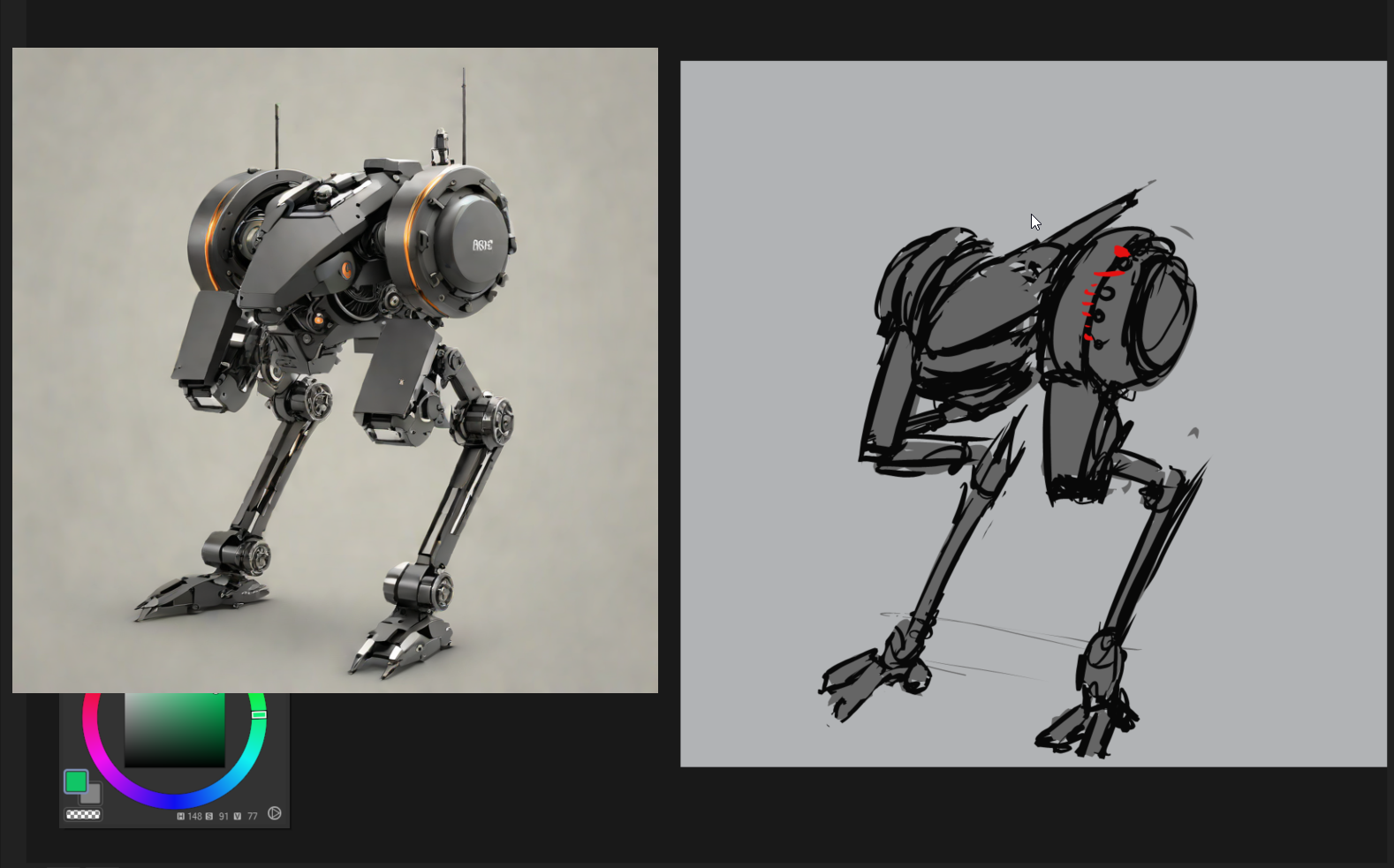
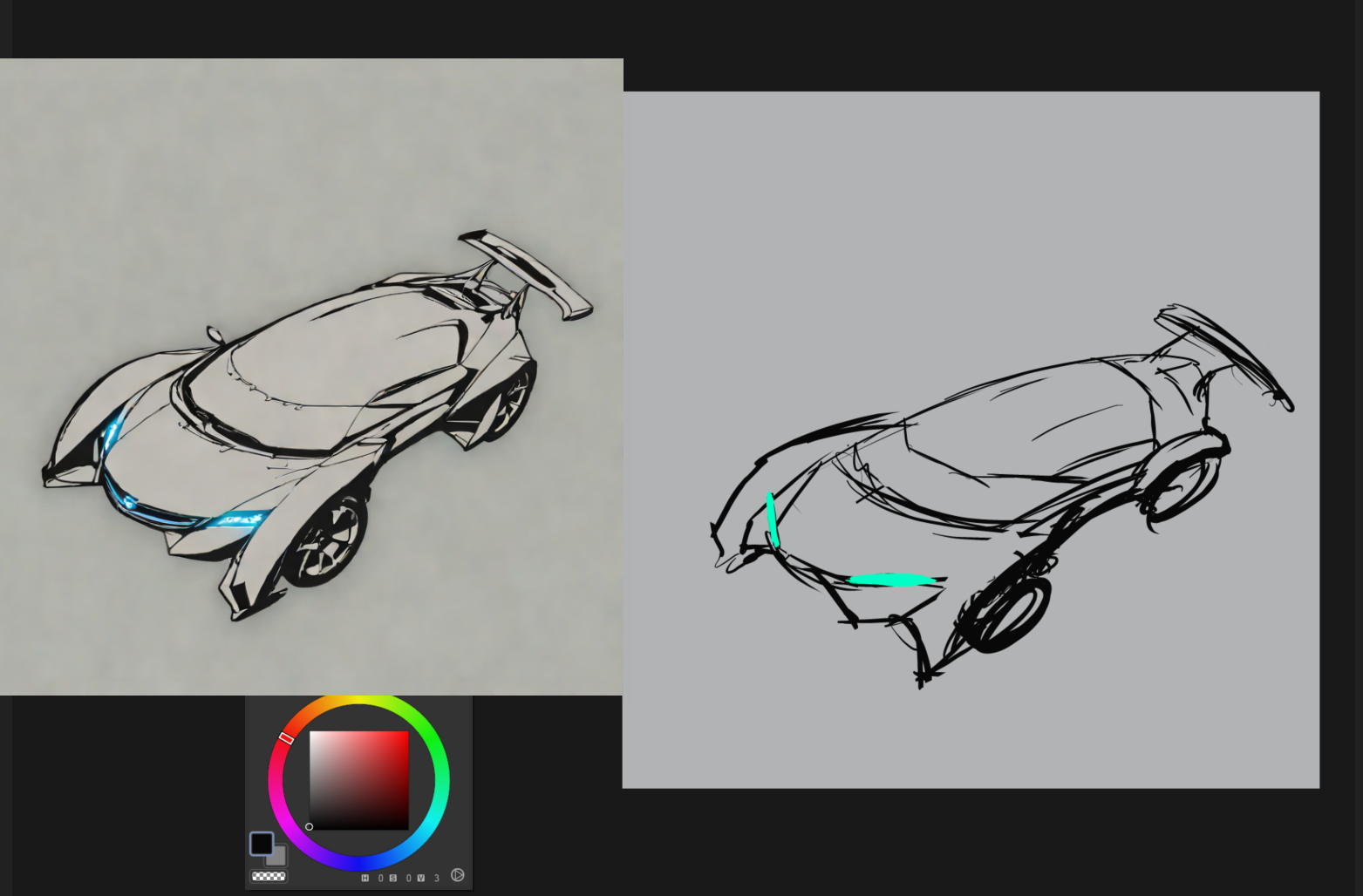
PenMimic is a tiny always-on-top window that watches any part of
your screen and repaints it with AI in near-real-time. Sketch in
ANY app you already love — Krita, Photoshop, MS Paint, even a
browser whiteboard — and watch the mimic turn your rough shapes
into finished-looking art as you draw, stroke by stroke.
No plugins. No cloud. No subscription. Everything runs locally
on your own GPU — your art never leaves your machine.
----------------------------------------------------------------
HOW IT FEELS
----------------------------------------------------------------
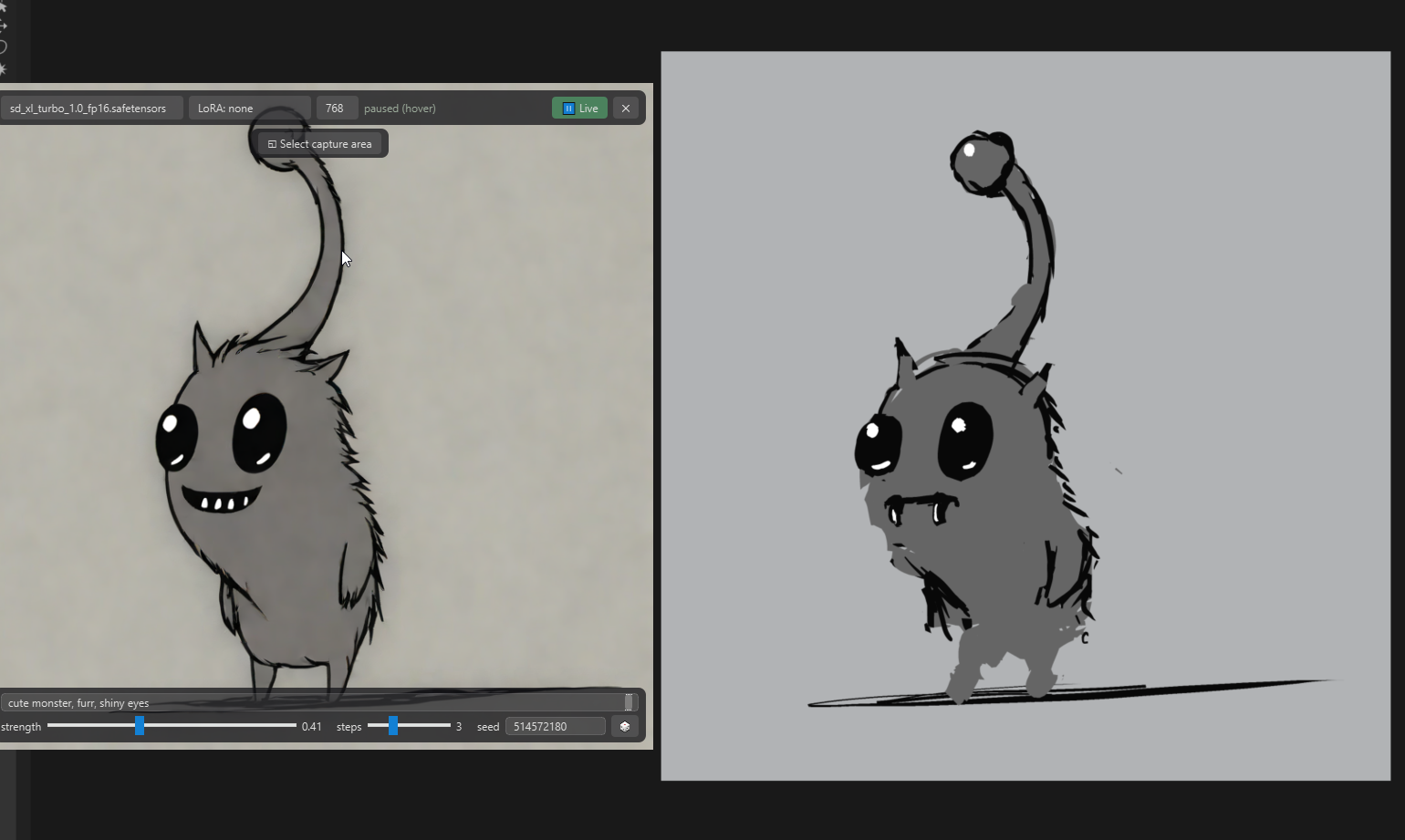
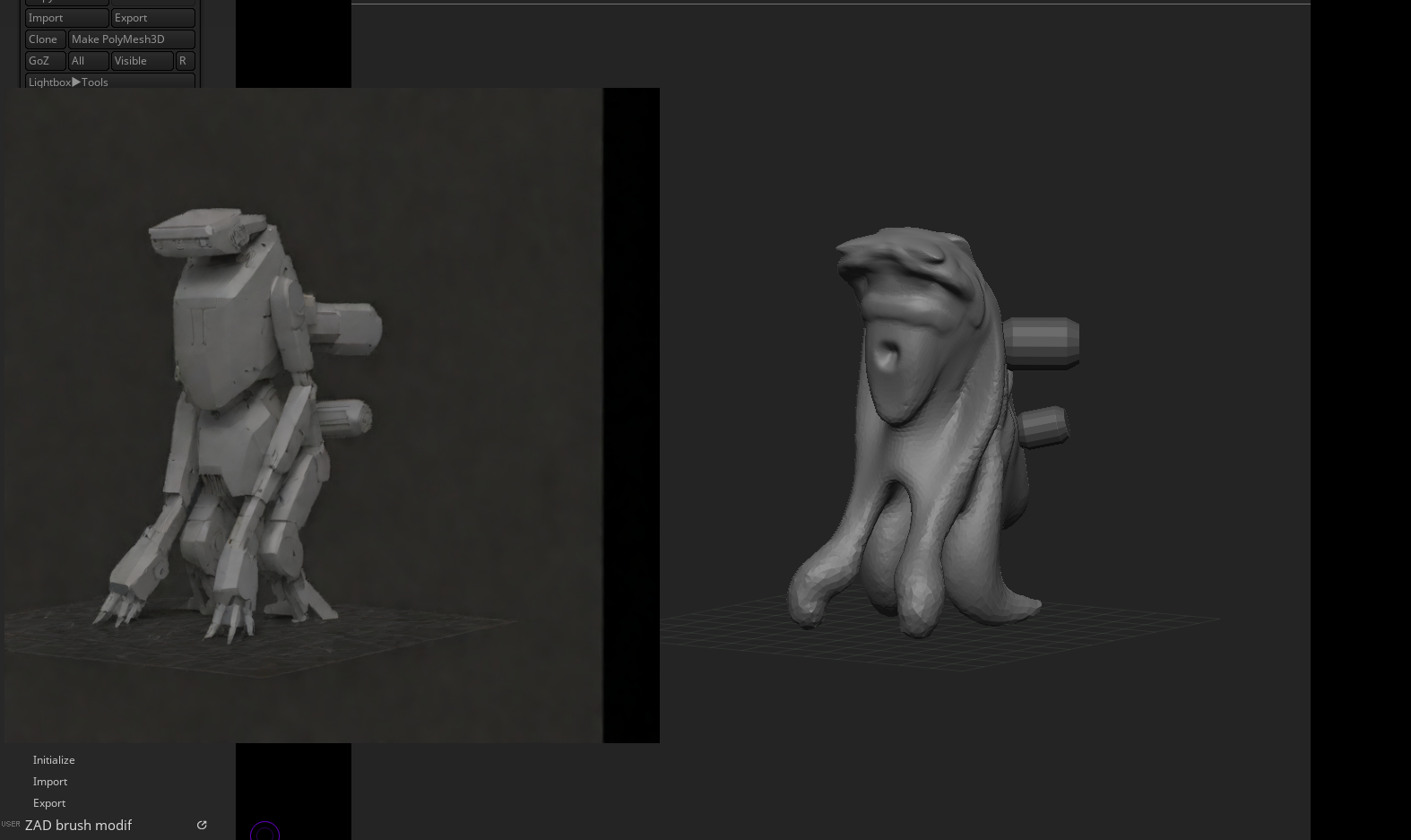
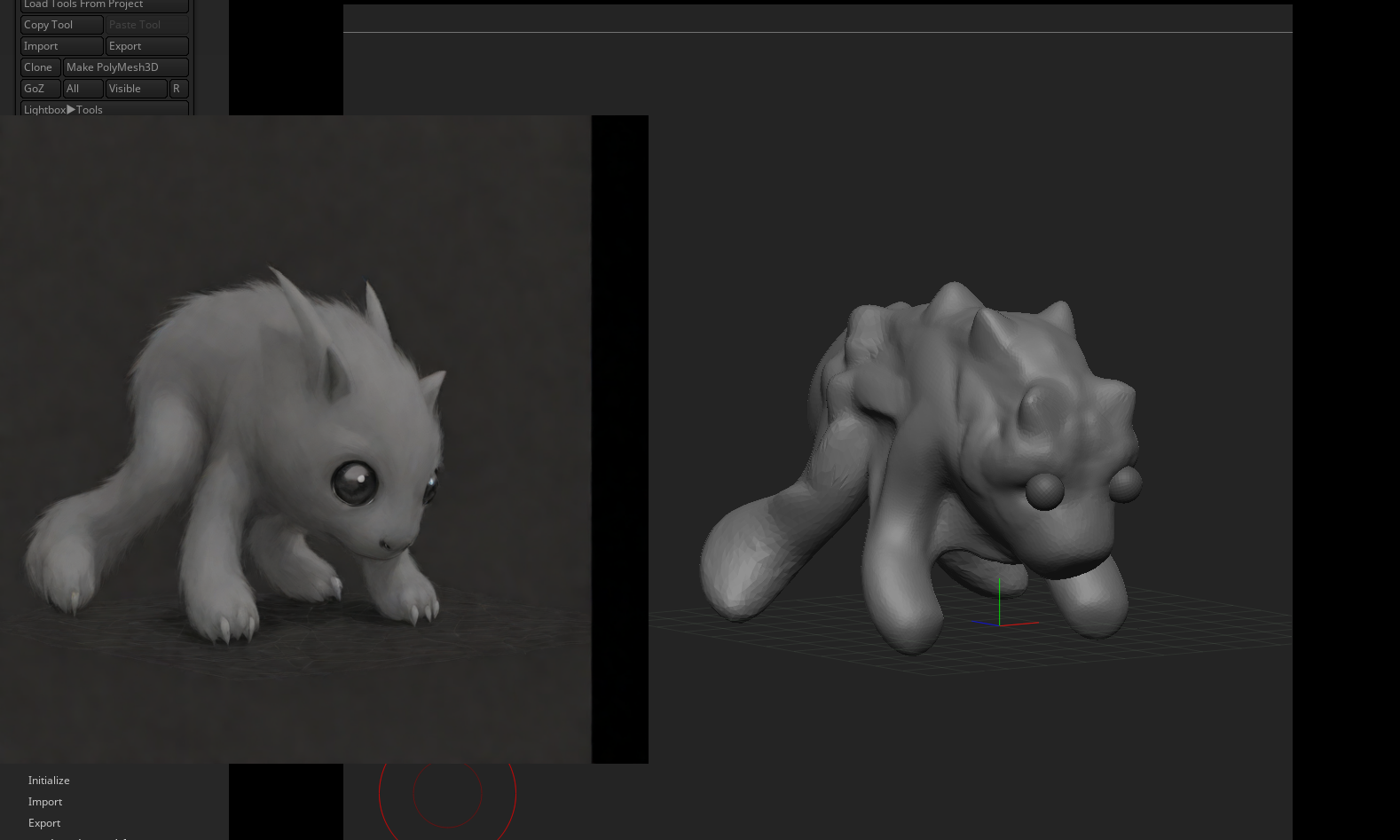
1. Drag a box over your canvas / 3d program / camera view of your drawing (whatever works)
2. Type what you're going for — "ink illustration of a
dragon, moody lighting".
3. Draw. Every change you make is re-rendered in well under
a second.
Turn the strength knob down to keep your composition and just
polish it — or crank it up and let the AI hallucinate freely on
top of your scribbles. Lock a seed you love, or roll the dice
and get a fresh interpretation with every stroke.
----------------------------------------------------------------
FEATURES
----------------------------------------------------------------
* Live img2img from any screen region — works with every
drawing app / 3d app / anything on your screen that's under your capture area
* One-click setup: the app downloads its own AI engine and
models. No Python, no command line, no fiddling
* Three built-in models from light to heavy (2 GB laptop
GPUs and up), plus drop-in support for your own Stable
Diffusion checkpoints and LoRAs (.safetensors / .ckpt,
Civitai links built into the menus)
* Fully portable: the whole app — engine, models, outputs —
lives in one folder. Put it on a thumb drive, plug it into
another PC, it just runs
* Frictionless capture: click to copy a render to the
clipboard, middle-click to save it in it's own /output folder inside the app folder, hover to pause
* Your knobs: prompt, strength, steps, resolution, seed +
random mode, LoRA on top of any checkpoint
----------------------------------------------------------------
REQUIREMENTS
----------------------------------------------------------------
- Windows 10 / 11 (64-bit)
- NVIDIA GPU — 2 GB VRAM minimum (DreamShaper 8 + LCM),
7 GB+ for the best model (SDXL Turbo)
- ~3 GB one-time engine download, plus 2-7 GB for the model
of your choice
- Download size of the app itself: ~300 MB
----------------------------------------------------------------
HONEST SMALL PRINT
----------------------------------------------------------------
- First launch downloads the AI engine (~3 GB) — the pulsing
green button walks you through it.
- Live speed depends on your GPU: roughly 0.6-0.9 s per
frame on an RTX 3090 at 512px; slower cards should start
with the smaller models.
- Windows may show a SmartScreen warning on first run (the
app is unsigned) — choose "More info -> Run anyway".
================================================================
Feed the mimic your doodles. It bites back beautifully.
Purchase
In order to download this tool you must purchase it at or above the minimum price of $2 USD. You will get access to the following files:
Leave a comment
Log in with itch.io to leave a comment.